 , fast delivery, and backed by our world-class customer service every step of the way.
 1-800-881-6093
For an online store, the unboxing is the first time a customer holds anything you made. Everything before it happened on a screen. That makes the box, and the few things inside it, the one part of the purchase you control completely, and it shows: in a 2026 Adobe Express survey of 703 online shoppers, 73% said premium packaging improves their perception of a brand, and 57% said a memorable packaging experience led them to buy from that brand again (Adobe Express).
This guide is a working list of unboxing ideas for small ecommerce brands, sorted by the layer of the package they live in. It also covers the part most idea lists skip: how to run the new unboxing as a test in your store, what you can and can't measure at small volumes, and the arithmetic that tells you whether an upgrade pays for itself.
TL;DR:
- Start with the box itself. It is the biggest surface in the package, and printing its inside is often the single most visible upgrade you can make.
- Plan the unboxing in layers: the outside, the first look under the lid, what holds the product, the paper layer, the card and the digital link. Pick one or two to change at a time.
- Make it easy to open and easy to read. A box that fights the customer undoes the work of a beautiful print.
- Personalize from your order data. A first order and a fifth order should not get the same card.
- Test against your current packaging, and be honest about sample size: a few hundred orders show you reactions and photos, not a reliable change in repeat purchase rate.
Table of Contents
- Why the unboxing matters for an online store
- Start with the box
- Unboxing ideas, layer by layer
- Make it easy to open and easy to read
- Tell customers what the box is made of
- Personalize from your order data
- QR codes that earn their place
- Match the unboxing to the order
- How to test a new unboxing
- A 90-day unboxing plan
- Ordering your test boxes
- FAQ
- Sources
Why the unboxing matters for an online store
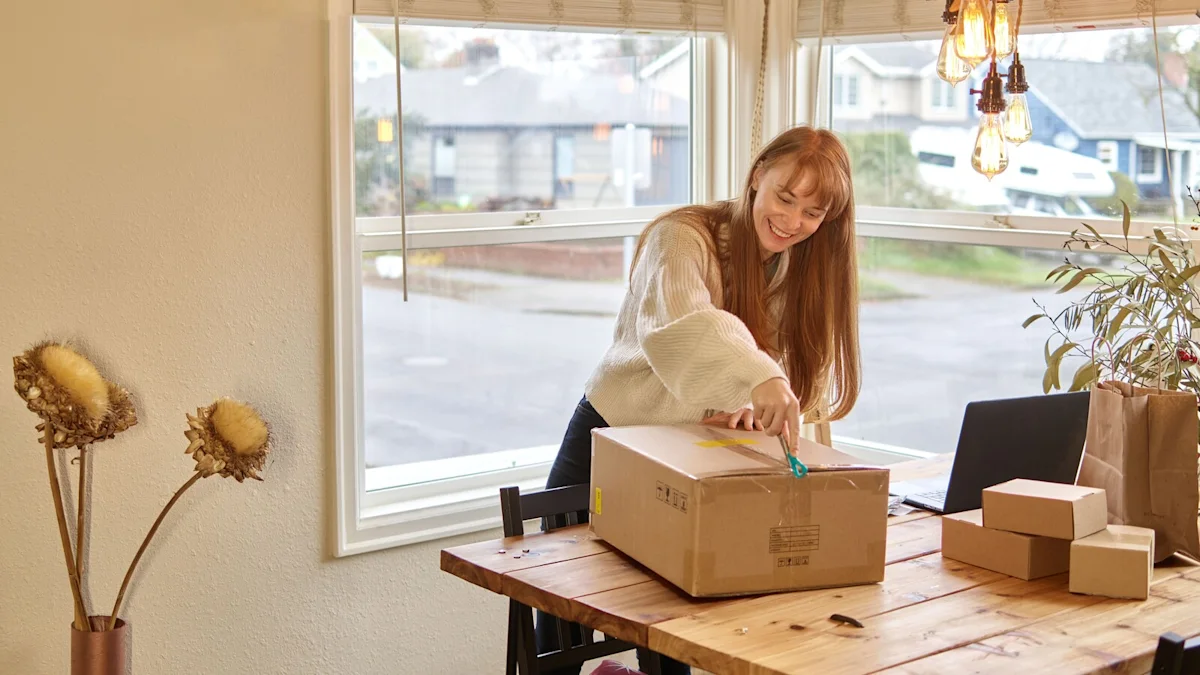
A shopper in a store judges your product with their hands before they pay. An online shopper pays first and judges later, at their kitchen table. The unboxing is where the photos on your product page either get confirmed or quietly undercut.
The Adobe Express survey, run in March 2026 with 703 online consumers and 300 small business owners who sell physical products online, puts numbers on that moment (Adobe Express):
| What shoppers said | Share |
|---|---|
| Premium packaging improves their perception of a brand | 73% |
| A memorable packaging experience led them to buy from the brand again | 57% |
| They kept packaging because it was too nice to throw away | 55% |
| After seeing someone else's unboxing online, they followed, tagged or searched for that brand | 42% |
| Premium packaging makes them more forgiving of a shipping delay | 26% |
The same survey also lists what makes packaging feel gimmicky to shoppers: when it noticeably adds to the cost of the product (55%), creates unnecessary waste or uses non-recyclable materials (54%), or looks more expensive than the product itself (50%). Those are useful limits to design against. The goal is packaging that feels considered for the price of what is inside, without looking like the customer paid for the box.
The effect reaches beyond a single survey. A 2024 study of 357 milk buyers in South Korea, published in Heliyon, found that the experience of using a product's package, including how it looks and feels, shaped brand image, which in turn shaped trust and loyalty (Wang et al., 2024). It is one product category in one country, but the chain it describes (experience, then image, then trust, then loyalty) is the one every idea below is trying to start.
Start with the box
Most unboxing advice starts inside the box, with tissue and cards. Start with the box instead. It is the largest surface in the package, it is the first thing the customer sees, and it is the only element that is also seen by everyone between your shelf and their door.
Three decisions shape it:
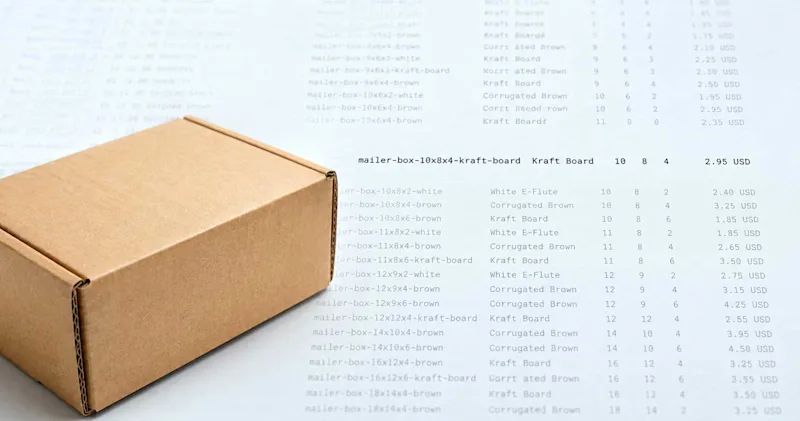
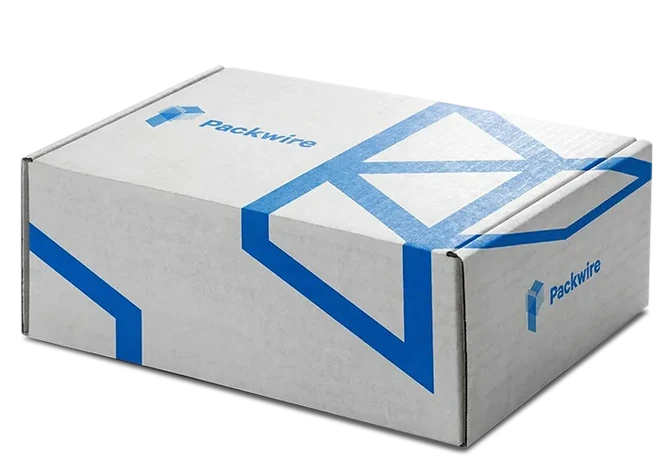
- Style. A mailer box is the usual choice for an unboxing: it is corrugated, ships on its own, opens like a lid and tucks closed without tape or glue. A shipping box with flaps suits heavier or larger products. A rigid box is the gift-box option, but it isn't safe to ship on its own, so it travels inside a shipper. For how the styles compare, see what is a mailer box.
- Size. A box sized to the product looks intentional, needs less fill and costs less to ship. A product rattling in a box twice its size reads as an afterthought, however well it is printed. Our guides to measuring box dimensions and mailer box sizes walk through it, and the Box Size Optimizer works out a size from your product's dimensions.
- Board. White board prints colors true to your artwork. Kraft prints them darker and warmer, which suits an earthy brand and fights a bright one. Our guide to color psychology in packaging covers how board and palette interact.
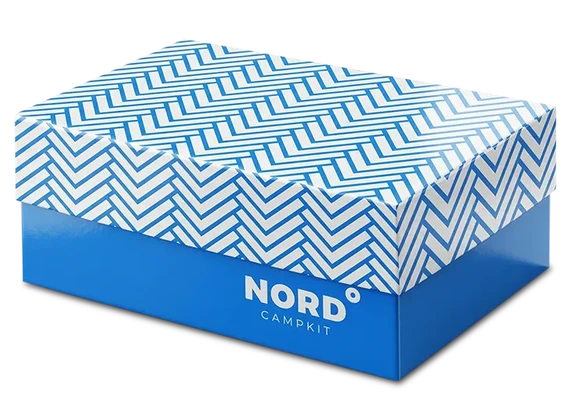
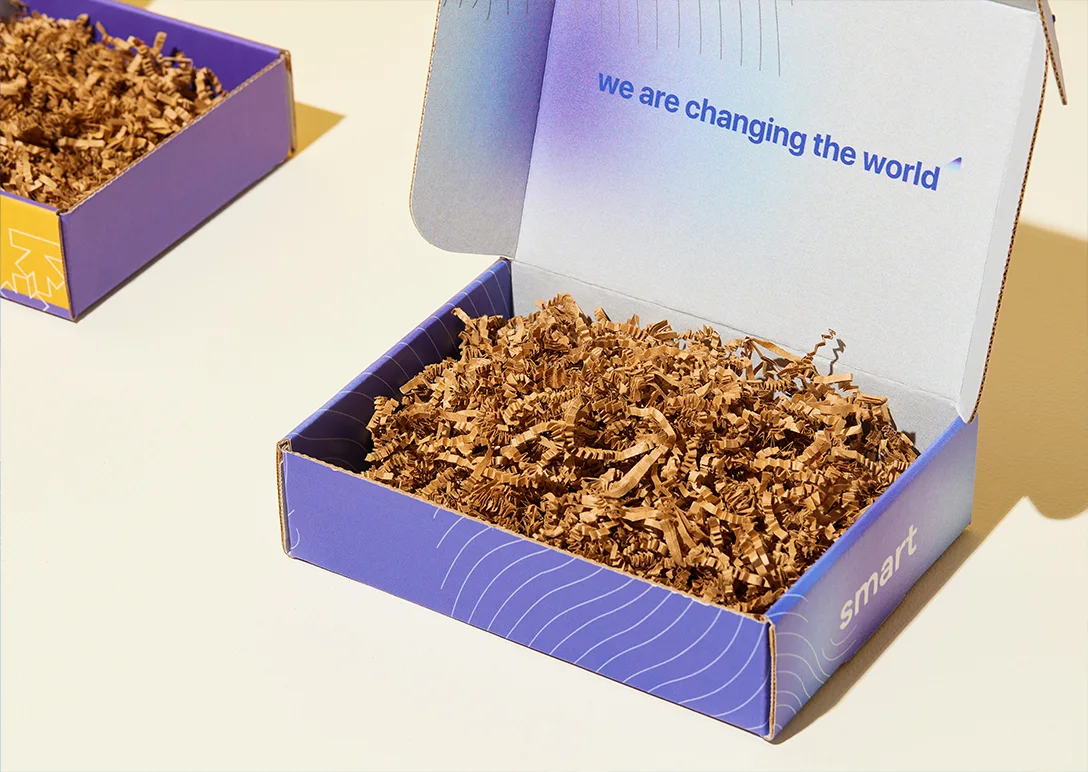
Then there is the inside. Printing the inside of the box is the one upgrade every customer sees, because they have to open the lid to get to the product. A pattern, a message under the lid or a printed welcome on the inside flap turns the moment of opening into the reveal. On our mailer boxes you design the inside in the 3D configurator and see the price before you order. Inside printing on shipping, folding and rigid boxes is set up by quote.
Unboxing ideas, layer by layer
Think of the package as six layers, in the order the customer meets them. You don't need all six. Most strong unboxings change one or two layers well and leave the rest simple.
The outside
- A clean exterior with one mark. A logo on the lid and a short line on the side reads as confident. Covering every panel isn't necessary, and on mailer and shipping boxes lighter ink coverage also keeps the price down.
- A design that photographs well from above. Most unboxing photos and videos are shot looking down at the lid. Check how your lid reads as a square in a phone frame.
- Your web address or social handle on a side panel. It costs nothing extra in a design you are printing anyway, and it puts the brand in every shared photo.
The first look under the lid
- A printed message on the inside of the lid. It is the first thing the customer reads once the box opens. Keep it short: a welcome, a thank-you or a line about the product.
- A pattern or color flood inside. A full inside print in your brand color makes even a simple product look deliberate.
- Instructions where they are needed. For a product that needs setup, print the first step on the inside flap so it is in view as soon as the box is open.
What holds the product
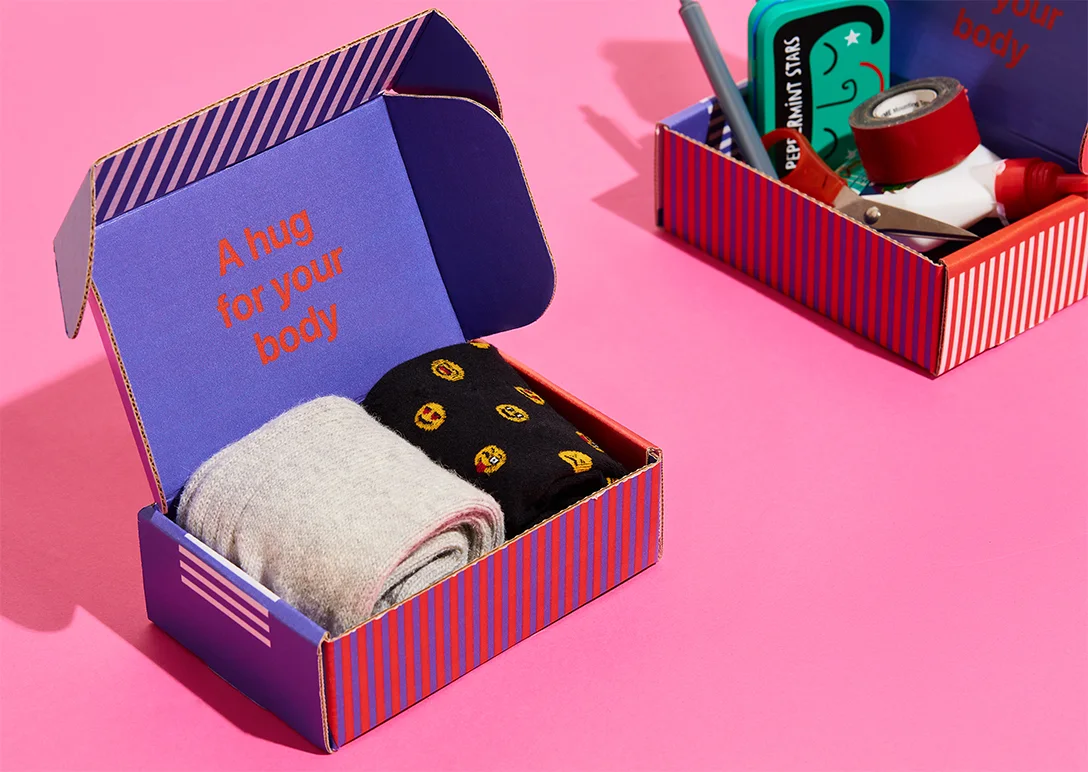
- A corrugated insert cut to the product. An insert holds the product in place, presents it at the center of the box and keeps it from arriving out of position. We make custom corrugated inserts and partitions cut to your box and product, with a minimum of 500. Any other fill you prefer works with the same box.
- A set layout for multi-item orders. If you ship sets or bundles, a partition or tray that gives each item its own place turns a pile of products into a kit.
The paper layer
- Tissue in one brand color. Pick a single color and use it every time, so it becomes part of the brand.
- A sticker seal on the tissue. It gives the customer one more small thing to open, and it keeps the tissue closed in transit.
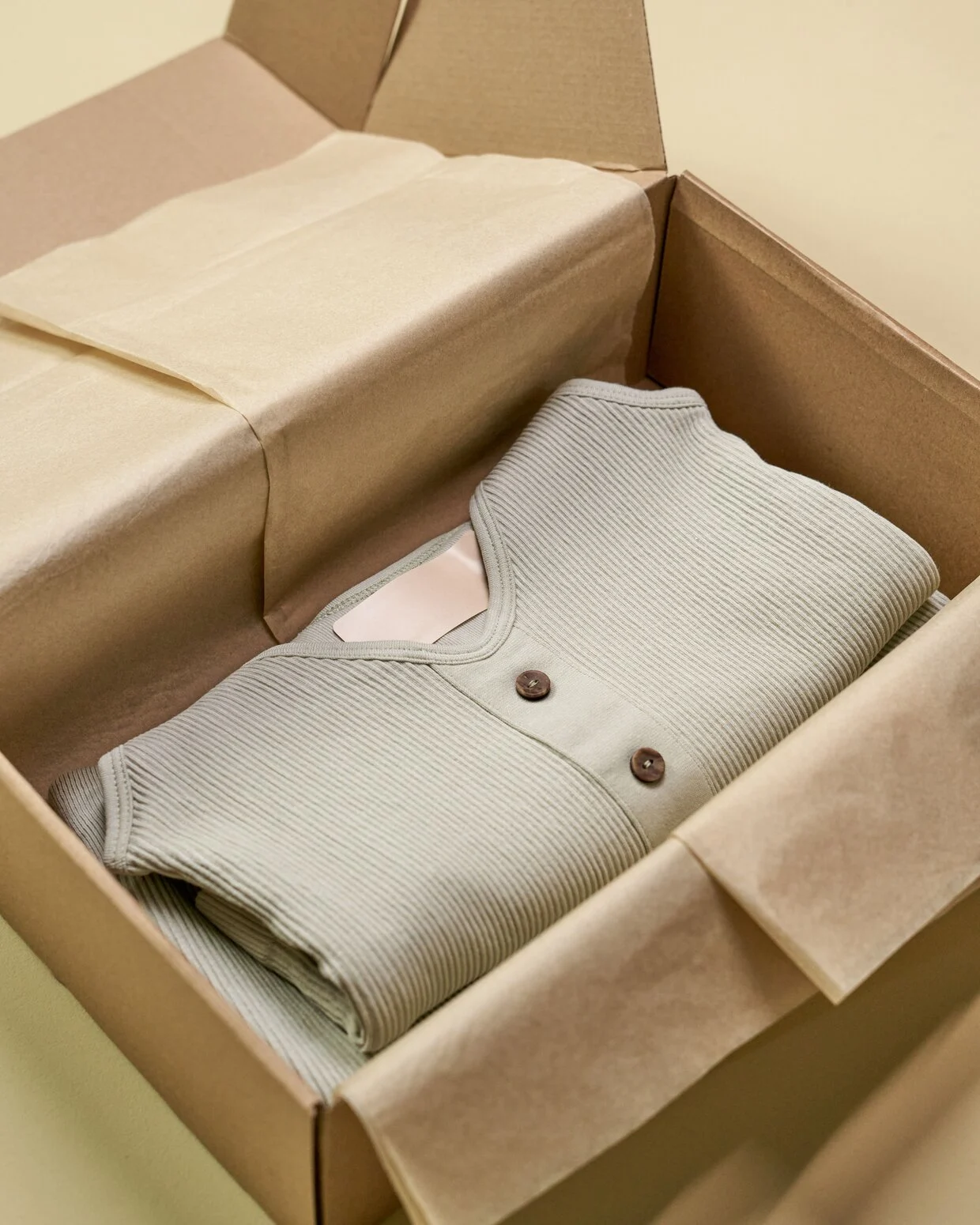
We can sometimes source branded tissue, stickers and thank-you cards along with your boxes, depending on quantity and what's available. Ask when you order.
The card
- A thank-you note. In the Adobe survey, 49% of small business owners rated handwritten thank-you cards the most effective packaging tactic for earning loyalty, yet 62% don't include them. A short note, signed by hand when your volume allows, is one of the cheapest upgrades in this list.
- A founder note or short brand story. Useful for food, wellness and craft brands where where-it-comes-from is part of the purchase.
- A care card. For apparel, home goods and anything with a finish that can be damaged, a card on how to wash, store or care for the product protects your reviews as well as the product.
- A reorder or referral card. A code for the customer's next order, or one to pass to a friend, gives the unboxing a measurable result.
The extra
- A sample of another product. A small sample introduces the next thing you'd like them to buy, and it is often the item that gets photographed.
- A sticker sheet or small collectible. Cheap, unexpected and easy to share.
The digital link
- A QR code to something useful. Setup videos, recipes, styling guides or warranty registration. More on what makes a QR code worth printing below.
Make it easy to open and easy to read
A beautiful box that takes a knife and two minutes to open leaves a worse memory than a plain one that opens cleanly. Ease of opening is part of the unboxing, and it matters most for older customers and anyone with limited hand strength.
- Use the closure the box already has. Our mailers tuck closed without tape or glue. If you add tape or a seal for shipping, use one short strip the customer can lift with a fingernail.
- Ask about tear strips and peel-and-seal closures. They aren't part of our standard mailer, but we quote them separately, and sometimes add them to website orders when the equipment is free.
- Keep printed text readable. Set body text at 9 pt or larger and reversed text (light on dark) at 10 to 11 pt, as in our font size guidance. Care and safety information deserves plain type and strong contrast, even when the rest of the design is playful.
- Don't hide the product. Three layers of tissue, ribbon and fill can feel generous on the first order and tiresome by the third. Each layer should earn its place.
Tell customers what the box is made of
Shoppers notice waste. In the Adobe survey, 54% said packaging feels gimmicky when it creates unnecessary waste or uses non-recyclable materials, and 47% said eco-friendly or sustainable materials affect their perception of product quality.
The fix is to be specific. A vague "eco-friendly" on the box tells the customer nothing and invites the scrutiny the FTC's Green Guides were written for. A plain statement of what the box is and how to recycle it is both more believable and more useful.
- Say what it is. Our corrugated board contains at least 50% recycled content, and every standard box on our website is recyclable through standard curbside recycling.
- Print the right symbol. For mailer and shipping boxes we recommend the Corrugated Recycles symbol. It goes into your artwork like any other graphic.
- Think about the whole package. A paper box with a corrugated insert recycles differently from one with a foam insert, magnet or laminated finish. If recyclability matters to your customers, choose the materials with that in mind.
Personalize from your order data
Generic packaging treats every order the same. Your store already knows who the customer is, what they bought and how many times they've ordered, and most of that can reach the box without changing the box itself.
Print the personal part on the packing slip or card. In Shopify, go to Settings > Shipping and delivery > Packing slips and edit the template. The template can print the customer's name, the items ordered and a note of your own, so every slip can open with the customer's name and a line about what they bought. WooCommerce and BigCommerce support editable packing slips too, through an extension or their built-in print templates.
Split first orders from repeat orders. A first-time customer gets a welcome card with the brand story. A customer on their fifth order gets a thank-you for coming back, or early access to something new. In Shopify, a customer segment with the filter number_of_orders = 1 finds first-time buyers. If you use a 3PL, tag the orders and ask them to pick the card by tag.
Match the card to the product. A skincare brand can include a tip for the product ordered rather than one card for the whole catalog. A coffee brand can note the roast date and a brew method suited to that bag. It signals that someone packed this particular order.
Keep the operational cost in view. Every extra item is a pick and a placement for whoever packs the order. If a 3PL packs for you, ask how they charge for inserts before you add one, because many bill per extra item.
QR codes that earn their place
A QR code on an insert or inside the lid turns a one-time moment into a link you can measure. It works when it leads somewhere the customer wants to go right then:
- a setup or how-to video for the product they just opened
- a recipe, styling guide or care guide
- warranty registration
- a review page or a reorder link
A code that leads to your home page wastes the moment and teaches customers to ignore your next one.
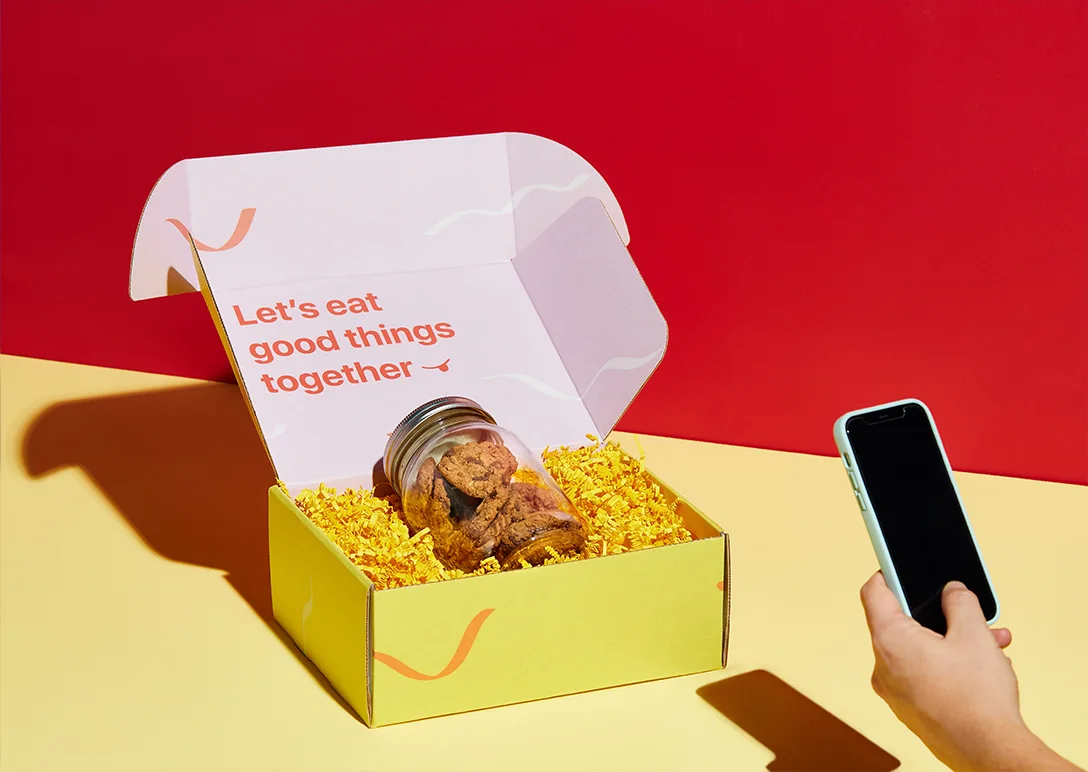
To measure it, give the code its own tagged URL, for example https://yourstore.com/welcome?utm_source=packaging&utm_medium=qr&utm_campaign=thank-you-card, and send it to a page made for that moment. Scans then show up as their own source in your analytics, separate from every other link to that page.
Barcodes and QR codes print on our boxes and scan. Send them as vector artwork where you can. If a code in your file is low resolution, your account manager flags it before anything prints.
Match the unboxing to the order
What you spend on the unboxing should follow what the customer spent. A rule of thumb many brands use is to keep the extras in proportion to the order: a $20 order and a $200 order should not get the same package, in either direction.
- Lower order values: the box itself, an inside print, one card. These cost little per order and do most of the work.
- Middle order values: add a corrugated insert, tissue with a sticker seal and a reorder card.
- High order values and gifts: a rigid box inside a shipper, a set layout for each item, a personal note.
Check the arithmetic before you commit. An upgrade pays for itself when the extra repeat orders it brings in cover its cost. The break-even is:
extra repeat orders needed per 100 customers = 100 × (added cost per order) ÷ (gross profit per repeat order)
Say an upgrade adds $0.60 to each order and a repeat order earns you $30 in gross profit. You need 100 × 0.60 ÷ 30 = 2 extra repeat orders for every 100 customers to break even. If your current repeat rate is 20%, the upgrade has to lift it to 22%. That is a small lift, and it is also small enough that you can't measure it on a few hundred orders, which is the next section.
How to test a new unboxing
Ship your current packaging and the new version side by side, over the same weeks, so seasonality and promotions affect both equally. Alternating by order (odd and even order numbers, for example) is simple and fair. Tag every test customer in your store so you can pull them up later.
Be realistic about what a small test can show. Repeat purchase rate is the metric that matters most, and it is also the one that needs the most orders. To see a lift from a 20% to a 25% repeat rate with reasonable confidence (a standard two-group test at 95% confidence and 80% power), you need roughly 1,100 customers in each group. A test of a few hundred orders can't detect a change that size, let alone the 2-point lift from the break-even example above.
A small test is still worth running. Read it for what it can show:
| What you can measure | Small test (a few hundred orders) | Large test (1,000+ customers per group) |
|---|---|---|
| Customer photos, posts and tags that mention the packaging | Yes | Yes |
| Packaging comments in reviews and support emails | Yes | Yes |
| A one-question post-delivery survey ("How did your order arrive?") | Yes | Yes |
| Damage and wrong-item rates | Yes, if you ship enough volume | Yes |
| Pack time per order | Yes | Yes |
| QR code scans per order | Yes | Yes |
| Repeat purchase rate within 60 to 90 days | Direction only | Yes |
For repeat purchases in Shopify, build a customer segment for each version, for example customer_tags CONTAINS 'unbox-b' AND number_of_orders >= 2, and compare what share of each group has ordered again. The customer cohort analysis report shows the store-wide trend over the same months.
Our guide to A/B testing packaging goes deeper on choosing variables and reading results.
A 90-day unboxing plan
- Days 1 to 30: build it. Pick one box-level change (an inside print, a new exterior) and one or two inside layers (a card, an insert, tissue). Order a printed sample to check the look and fit. Walk your packer, or your 3PL, through the new pack so it doesn't slow fulfillment.
- Days 31 to 60: ship it. Send the new version to half your orders and the current version to the other half. Tag every customer by version. Collect photos, reviews, survey answers and pack times as they come in.
- Days 61 to 90: read it. Compare the qualitative results and the early repeat orders. If the new version wins on what you can measure and doesn't slow packing, make it the standard and plan the next layer. Keep tracking repeat rate by cohort as the orders build up.
Ordering your test boxes
A test needs only as many boxes as it will ship. Here's how that works with Packwire:
- See it before you order. Design your box, inside and out, in the 3D configurator and see the price as you go.
- Hold a sample. Order a single printed mailer with your own artwork by setting the quantity to 1 in the configurator. Sample details are in our FAQ.
- Order small. Mailer and shipping boxes start at a minimum of 10; rigid and folding boxes at 500. Each design needs to meet the minimum on its own, so a test of two box designs needs at least the minimum of each (details).
- Get a proof. Your account manager reviews every order and sends a proof before production. Proof revisions are free.
- Plan the timing. Mailer, shipping and folding boxes take about 2 to 4 weeks door to door; rigid boxes about 5 to 6 (production times). Our corrugated boxes, mailers included, are made in the USA.
Once the test is done, reorder the winning design from your order history at the quantity your volume needs.
FAQ
What is an unboxing experience?
It is everything a customer sees, touches and reads when they open a delivered package: the box, anything printed inside it, what holds the product, the paper layer, cards and any extras. For an online store it is the first time the customer handles anything from you in person.
What are some cheap unboxing ideas for a small business?
Print the inside of the box, add a short thank-you note and use one tissue color with a sticker seal. In the 2026 Adobe Express survey, small business owners rated handwritten thank-you cards the most effective tactic for earning loyalty, and most still don't include them.
Does packaging really affect repeat purchases?
Shoppers say it does. In the 2026 Adobe Express survey of 703 online consumers, 57% said a memorable packaging experience led them to buy from that brand again. To see the effect in your own store, test the new packaging against your current one and track repeat purchases by customer group.
How many orders do I need to test new packaging?
It depends on what you want to measure. Customer photos, reviews and short surveys show reactions within a few hundred orders. A reliable change in repeat purchase rate needs far more, on the order of 1,000 customers in each group to detect a 5-point lift.
Should my unboxing be plastic-free?
Most unboxings can be. A corrugated box with a corrugated insert, paper tissue and a printed card is curbside recyclable. Foam and plastic trays are harder to recycle, so they make sense only for products that really need them.
Sources
- Unboxed: Why packaging is one of the most overlooked growth levers in e-commerce | Adobe Express (2026)
- Premium Packaging Pays Off: Adobe Survey Links Unboxing to Repeat Purchases | NewsFormal
- Optimizing brand loyalty through user-centric product package design: A study of user experience in dairy industry | Heliyon (2024)
- Green Guides | Federal Trade Commission